
Everyday Cybersecurity Checklist: 12 Habits That Protect Your Accounts and Devices
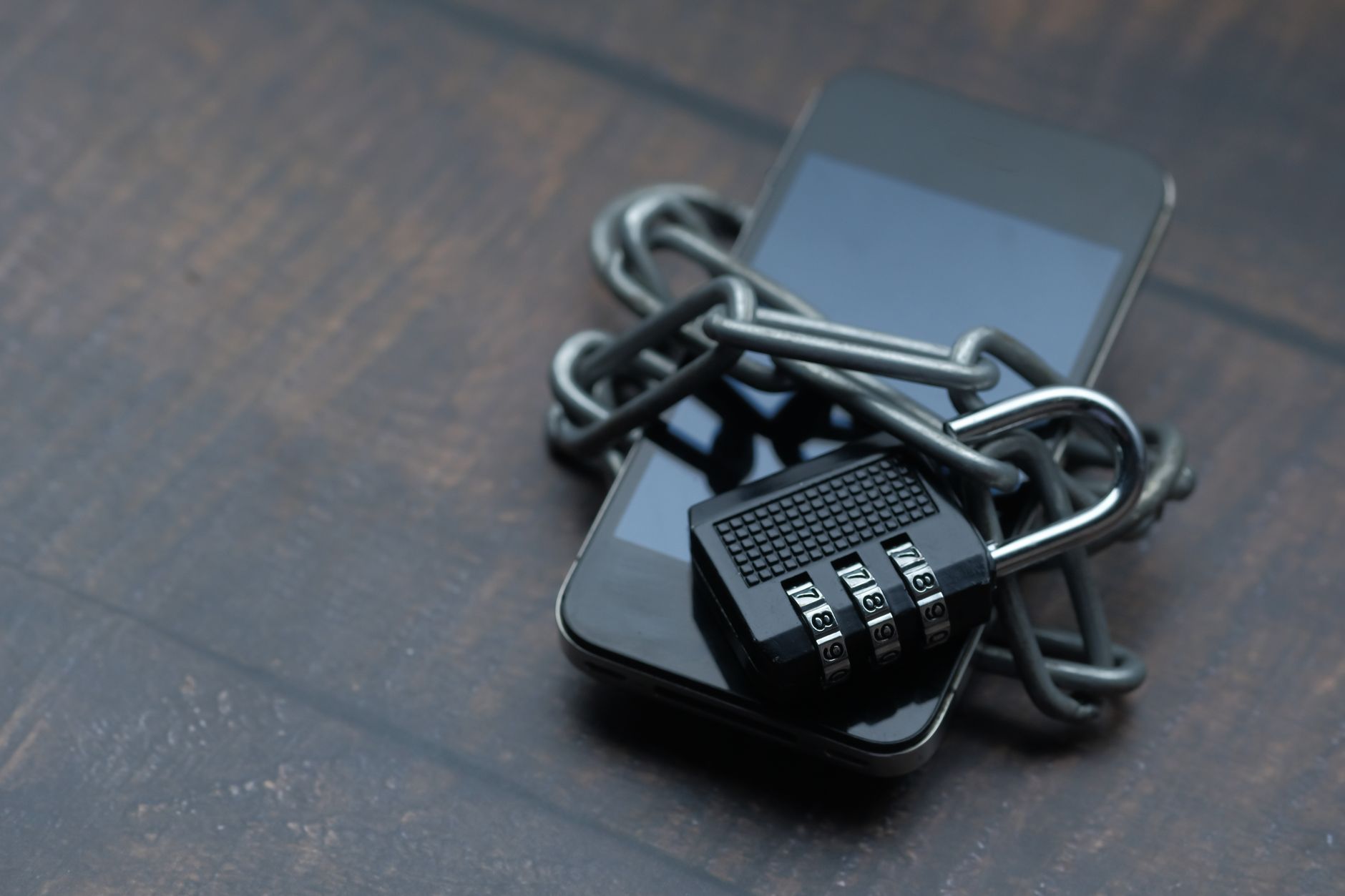
You do not need to be a security expert to be hard to hack. Most compromised accounts are not the result of a genius attacker. They come from a reused password, a code shared with the wrong person, a phone that never got updated or a link clicked in a hurry. Fix those everyday gaps and you move yourself out of the easy-target group.
Below are 12 habits, ordered roughly from highest impact to "good to have". You can work through the whole list over a weekend, then keep it going with a few minutes each month.
Before You Start: Make a Quick Inventory
Spend ten minutes writing down your most important accounts and devices. Protecting everything equally is overwhelming; protecting the right things first is manageable. A typical list looks like this:
- Your main email account - the key that resets almost every other password.
- Banking and mobile wallet apps.
- WhatsApp and other messaging apps.
- Your phone number - often used for verification codes.
- Cloud storage with photos and documents.
- Social media accounts, especially any used for business.
- Devices: phone, laptop, tablet, home router.
Keep this list handy. Each habit below starts with the items at the top.
The 12 Habits
1. Use a password manager
The biggest password problem is reuse. When one website is breached, attackers try the same email and password on other services. A password manager generates and stores a unique, strong password for every account, so you only need to remember one strong master password.
Do this: install a reputable password manager (many browsers and phones include one), set a long master passphrase and start by changing the passwords for your email and banking accounts.
2. Turn on multi-factor authentication (MFA)
MFA means that a stolen password alone is not enough to log in. Enable it on email first, then banking, cloud storage and social media.
Do this: prefer an authenticator app or passkey over SMS codes where possible, because SMS can be intercepted through SIM swapping. Save the backup codes somewhere safe, not in your email inbox.
3. Never share one-time codes
Verification codes are the most valuable thing a scammer can get from you. Banks, telecom companies and app support teams do not ask customers to read out OTPs. If anyone asks, it is a scam, no matter how official they sound.
Do this: make it a family rule: "We never share codes, with anyone, ever." AI voice scams make this rule more important, as explained in our guide on spotting AI-powered phishing and voice scams.
4. Lock down WhatsApp
WhatsApp account takeovers are common: a scammer triggers a registration code for your number, then tricks you into sharing it, often while pretending to be a friend or a "group admin". Once inside, they message your contacts asking for money.
Do this:
- Turn on two-step verification in WhatsApp's account settings and set a PIN that only you know.
- Add an email address to that setting so you can recover the PIN.
- Check Linked devices regularly and log out any computer or browser you do not recognise.
- Review privacy settings for your profile photo, "last seen" and who can add you to groups.
5. Protect your SIM and phone number
In a SIM-swap attack, a criminal convinces or bribes someone to move your number to a new SIM. They then receive your SMS codes and calls. Signs include your phone suddenly losing signal for no clear reason.
Do this: set a SIM PIN on your phone, ask your mobile operator what account protections they offer, move important accounts from SMS codes to an authenticator app, and contact your operator immediately if your service drops unexpectedly.
6. Install updates promptly
Updates fix security weaknesses that attackers already know about. An outdated phone or laptop is one of the easiest ways in.
Do this: turn on automatic updates for your operating system, browser and apps. If your phone no longer receives security updates from its manufacturer, plan to replace it, especially if you use it for banking.
7. Back up what you cannot lose
Backups protect you from ransomware, theft, a dropped phone and simple mistakes. Many people only think about backups after losing years of photos.
Do this: follow a simple version of the 3-2-1 rule: keep three copies of important data, on two different types of storage, with one copy stored somewhere else (for example, cloud backup plus an external drive). Test a restore occasionally to make sure the backup actually works.
8. Secure your phone itself
Your phone holds your email, banking, messages and photos. If it is unlocked in the wrong hands, most other protections can be bypassed.
Do this:
- Use a strong PIN or passcode (not 1234 or your birth year) plus fingerprint or face unlock.
- Set the screen to lock automatically after a short time.
- Enable "Find My" (iPhone) or "Find My Device" (Android) so you can locate or wipe a lost phone.
- Only install apps from official app stores and review permissions, particularly for SMS, contacts and accessibility access.
- Hide message previews on the lock screen so codes are not visible to anyone nearby.
9. Be careful on public Wi-Fi
Airport, cafe and hotel Wi-Fi networks are convenient but you cannot be sure who runs them. Attackers sometimes set up look-alike networks with names similar to the real one.
Do this: avoid banking or entering passwords on public Wi-Fi when you can use mobile data instead. Make sure websites use HTTPS, forget public networks after use, and consider a reputable VPN if you regularly work from public places.
10. Learn the shape of a scam
Scams change their story, but they share the same structure: urgency, emotion, an unusual request and a reason not to check. Common examples include fake prize messages, parcel delivery fees, job offers that ask for registration payments, investment groups promising guaranteed returns and fake bank "fraud teams".
Do this: before acting on any message about money, codes or account details, stop and verify through an official channel you find yourself, such as the number on your bank card or the company's official website.
Because AI tools now produce flawless, personalised scam messages, it helps to practise with realistic examples. The Defending Against AI-Driven Phishing and Social Engineering course walks through modern techniques such as cloned voices and tailored phishing.
11. Protect family devices and accounts
Your security is linked to your family's. A parent's compromised WhatsApp account can be used to scam everyone in your family group.
Do this: help elderly relatives set up two-step verification and screen locks, use parental controls and age-appropriate settings for children, and agree a family code word for emergency calls. Most importantly, make it normal to ask, "Is this real?" without anyone feeling embarrassed.
12. Review your accounts every few months
Security is not a one-time setup. Old accounts, forgotten apps and leftover permissions build up quietly.
Do this: every three months, review which devices are logged into your email and social accounts, remove apps you no longer use, delete accounts you no longer need and check whether your email has appeared in known data breaches using a reputable breach-notification service. Change any affected passwords.
Threats keep evolving, so it is worth refreshing your knowledge once a year. A short course such as Cyber Security Practices in the AI Era explains how newer risks, including AI-assisted attacks, affect ordinary users and small teams.
Your Maintenance Schedule at a Glance
| How often | Task |
|---|---|
| Once (this weekend) | Install a password manager, turn on MFA for email and banking, enable WhatsApp two-step verification, set phone lock and tracking |
| Automatically | Software updates and cloud backups |
| Monthly | Check WhatsApp linked devices and app permissions on your phone |
| Every 3 months | Review logged-in devices, unused apps, old accounts and breach alerts; test a backup restore |
| Whenever something feels wrong | Stop, verify through an official channel and ask someone you trust |
What to Do If Something Goes Wrong
Even careful people get caught. What matters is reacting quickly:
- If money is involved, call your bank's official helpline immediately.
- Secure your email first: change the password, log out other sessions and check recovery options.
- Change passwords on any account that shared the same password.
- If WhatsApp is hijacked, re-register it on your phone with your number, then enable two-step verification, and warn your contacts not to send money.
- Report the incident to the platform and the relevant authorities, and keep screenshots as evidence.
Frequently Asked Questions
Is it safe to store all my passwords in one password manager?
For most people, yes. A reputable password manager protected by a strong master password and MFA is far safer than reusing passwords or saving them in notes. The risk of reuse is much higher than the risk of a well-protected manager.
Are SMS verification codes still worth using?
SMS codes are better than no MFA at all. However, authenticator apps and passkeys are stronger because they are not tied to your phone number and cannot be redirected by a SIM swap.
Do I need antivirus on my phone?
Keeping your phone updated, installing apps only from official stores and reviewing permissions matter more for most users. Built-in protections on modern iPhone and Android devices cover a lot, but the habits above are what make the biggest difference.
How do I explain this to elderly parents?
Keep it to two or three rules: never share codes, always call back on a saved number before sending money, and ask a family member when unsure. Set up the technical protections for them and repeat the rules regularly.
Conclusion
Strong everyday security comes from a few dependable habits, not expensive tools. Start with your email, phone number and WhatsApp, then work down the list. If you would like a guided, structured version of this checklist for yourself or your workplace, the Everyday Cybersecurity: Protect Yourself and Your Organization course is a good next step. And if this checklist has sparked a career interest, our guide on how to become an ethical hacker shows where to go next.