
How to Spot AI-Powered Phishing Emails and Voice Scams
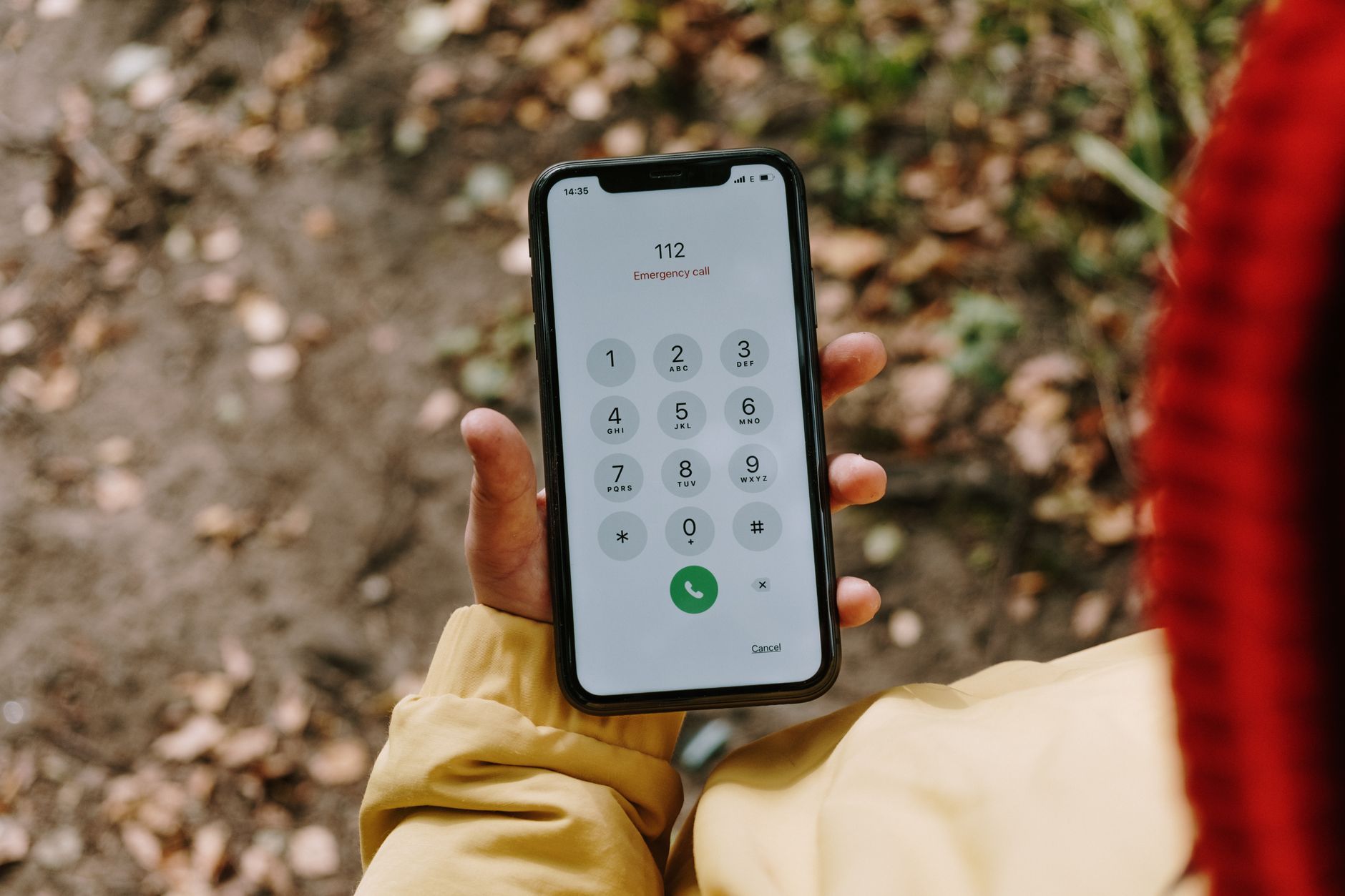
For years, the standard advice about phishing was simple: look for bad grammar, strange greetings and obvious spelling mistakes. That advice is now out of date. Generative AI tools can write fluent, polite, well-formatted messages in English, Urdu, Arabic or almost any other language in seconds. Voice cloning tools can imitate a person's voice from a short recording. The scams look and sound more real than ever.
The good news is that the underlying tricks have not changed. Attackers still need you to act quickly, trust without checking and step outside normal procedures. If you learn to spot those pressure points, and build a few verification habits, AI-powered scams lose most of their power.
What Has Actually Changed
AI has not invented a new kind of fraud. It has made existing fraud cheaper, faster and more polished. Here is what that looks like in practice.
Phishing emails and messages
- Perfect writing. Messages no longer contain the clumsy mistakes that used to warn people.
- Personalisation at scale. Attackers can feed public information, such as your LinkedIn job title, your company's latest announcement or a conference you attended, into an AI tool and produce a tailored message for each target.
- Convincing tone. The message can copy the formal style of a bank, the casual style of a colleague or the urgent style of a courier company.
- Fast follow-ups. When you reply with a question, the attacker can generate a believable answer immediately.
Voice scams (vishing) and deepfakes
- Cloned voices. A few seconds of audio from a video, voice note or interview can be enough for some tools to produce a rough imitation of someone's voice.
- Voice notes on messaging apps. A short, emotional voice note on WhatsApp claiming to be from a relative in trouble is harder to question than a text message.
- Fake video calls. Deepfake video is less common and often imperfect, but it is being used in targeted attacks, particularly against finance staff.
Three Scenarios to Recognise
These are composite examples based on common scam patterns, not real cases. Notice how each one relies on urgency and secrecy.
1. The urgent payment from "the CEO"
A finance officer receives a well-written email from what appears to be the managing director: a confidential acquisition is under way, a supplier must be paid today and nobody else should be told yet. A few minutes later, a voice note arrives that sounds like the director, confirming the request. Everything feels legitimate, but the request breaks normal approval rules.
2. The relative in trouble
A parent gets a call from an unknown number. The voice sounds like their son, who is studying abroad. He is crying, says he has been arrested or in an accident, and begs for money to be sent immediately to a "lawyer" or a friend's account. He asks them not to tell anyone.
3. The account verification message
An SMS or email that looks exactly like your bank's says a suspicious transaction has been blocked. It asks you to confirm your details through a link or to read out the one-time password (OTP) you are about to receive to a "fraud team" agent who calls you.
Red Flags That Still Work in the AI Era
Because the writing and voice may be flawless, focus on the request and the situation rather than the presentation.
| Old red flag (less reliable now) | Better red flag (still reliable) |
|---|---|
| Spelling and grammar mistakes | Pressure to act immediately, often with a deadline of minutes or hours |
| Generic greeting like "Dear Customer" | A request to keep the matter secret or bypass normal approvals |
| Unusual accent on the phone | A new payment method or a change to bank account details |
| Poor-quality logo or design | Requests for OTPs, PINs, passwords or verification codes |
| Strange sender name | Contact through a new number, new email address or unusual channel |
| Obviously fake website | Strong emotion: fear, panic, excitement or flattery designed to stop you thinking |
A few more signs worth checking:
- The sender's actual email address or domain is slightly different from the real one, or the reply-to address is different from the sender.
- A link's real destination (visible when you hover on a computer or long-press on a phone) does not match the organisation's official website.
- The caller avoids questions only the real person would know, or changes the subject when you ask.
- Audio has odd pauses, flat emotion in places where you would expect feeling, or background noise that cuts in and out unnaturally.
- The person refuses to switch to a video call or call you back on their known number.
Verification Habits for Individuals and Families
The single most effective defence against AI scams is to verify through a channel you already trust, not the one the message came from.
- Hang up and call back. If someone calls claiming to be your bank, a relative or your manager, end the call and ring the number you already have saved, or the number printed on your bank card.
- Agree a family code word. Choose a word or question that close family members know and that is never posted online. If a "relative" calls in an emergency, ask for it.
- Never share OTPs or PINs. Real banks and companies do not ask you to read out verification codes over the phone. Anyone who asks is a scammer.
- Slow down. Scammers create urgency because thinking time works against them. A real emergency can survive a two-minute verification call.
- Limit public voice and video. You do not have to disappear from social media, but consider who can see your voice notes and videos, especially for children and elderly relatives.
- Talk about it at home. Elderly parents are frequent targets. Explain voice cloning to them in simple terms and practise what they should do if they receive a panicked call.
For a broader set of personal security habits, see our everyday cybersecurity checklist, and if you want a structured introduction for yourself or your team, the Everyday Cybersecurity course covers these fundamentals in more depth.
What Organisations Should Put in Place
Individual awareness helps, but businesses should not rely on staff spotting every fake. Good processes make a convincing scam fail even when someone believes it.
Process controls
- Call-back verification: any request to change supplier bank details, or to make an urgent or unusual payment, must be confirmed by calling a known number already on file, never a number in the request.
- Dual approval: payments above a set threshold need two people to approve, and no single executive can override this by email, message or voice note.
- A "no exceptions for secrecy" rule: make it policy that genuine leaders will never ask staff to skip controls or keep a payment secret from finance.
- Clear reporting routes: staff should know exactly who to contact, and feel safe reporting a suspected scam even if they already clicked.
Technical controls
- Multi-factor authentication (MFA) on email and key systems, preferably phishing-resistant methods such as security keys or passkeys for high-risk accounts.
- Email authentication (SPF, DKIM and DMARC) to make it harder for attackers to spoof your own domain.
- External sender warnings and filtering of look-alike domains.
- Least privilege, so that a single compromised account cannot reach everything.
Training that reflects the new threat
Annual slide-based awareness sessions are not enough. Effective training uses realistic examples, including well-written emails and voice-based scenarios, and focuses on behaviours: pause, verify, report. The Defending Against AI-Driven Phishing and Social Engineering course is built around these modern attack methods, and teams that want someone internally to lead awareness efforts may find Cybersecurity Champion: Be a Change Leader with AI useful. The US Cybersecurity and Infrastructure Security Agency also publishes free guidance on recognising phishing at cisa.gov.
If You Think You Have Been Scammed
Act quickly. Speed can limit the damage.
- Contact your bank immediately using the official helpline and ask them to block or trace the transaction.
- Change passwords for any account you entered details into, starting with email, and turn on MFA.
- Tell your IT or security team straight away if it happened on a work device or account.
- Keep the evidence: screenshots, phone numbers, email headers, voice notes and transaction references.
- Report it to the cybercrime authority in your country and to the platform the scam came through.
- Warn others in your family or organisation, since attackers often target several people in the same group.
Frequently Asked Questions
Can AI really copy someone's voice from a short clip?
Voice cloning tools can produce a recognisable imitation from relatively short recordings, though quality varies. The safest assumption is that any voice can be faked, so verification should never rely on voice alone.
Are AI-written phishing emails impossible to detect?
No. The text may be perfect, but the scam still has to ask you to do something risky: click a link, share a code, pay money or change details. Judging the request, the sender's real address and the urgency is still very effective.
Is a family code word really useful?
Yes. It is a simple, low-cost check that a scammer using a cloned voice is unlikely to know, as long as the word is never shared online or in messages.
What is the most important control for a business?
A mandatory call-back procedure for payment and bank detail changes, combined with dual approval. These process controls stop many fraud attempts even when the email or voice is convincing.
Does MFA stop phishing completely?
MFA blocks many account takeover attempts, but some phishing kits can trick users into approving logins or handing over codes. Phishing-resistant options such as passkeys and security keys offer stronger protection.
Next Steps
AI has made scams smoother, but it has not changed what they need from you: hurry, trust and silence. Replace those with pause, verify and report, and most attacks fall apart. To understand how these tools work behind the scenes, read our simple explanation of how AI works. To train yourself or your staff in a structured way, start with Defending Against AI-Driven Phishing and Social Engineering.